Every AI Employee
gets its own computer
Just like anyone else on your team, an AI Employee needs a computer to do its job. With its own browser and software, it can research, write code, and complete work independently—not just answer prompts.
Need a custom or tailored build? Enquire here.
kara@sandbox ~ % xero bills.create --match PO-4471
created bill INV-1842 → PO 4471
kara@sandbox ~ %
Approval needed
Send reply via Gmail
Invoice 1842 is matched to purchase order 4471. Payment is scheduled for 28 March.
A computer of its own
Every AI Employee gets a dedicated computer for its work. Its sessions, files, and context stay separate from every other worker.
Works across your software
It can browse the web, write code, and use your business tools to complete multi-step work from brief to done.
You remain the manager
Decide which accounts it can access and when it needs your approval. Sensitive work waits for your sign-off before it goes out.
Seven capabilities, one workforce
Each one works with the others inside the sandbox. Pick any capability to see exactly how it works.
They learn your business and get sharper over time.
Adaptive Intelligence
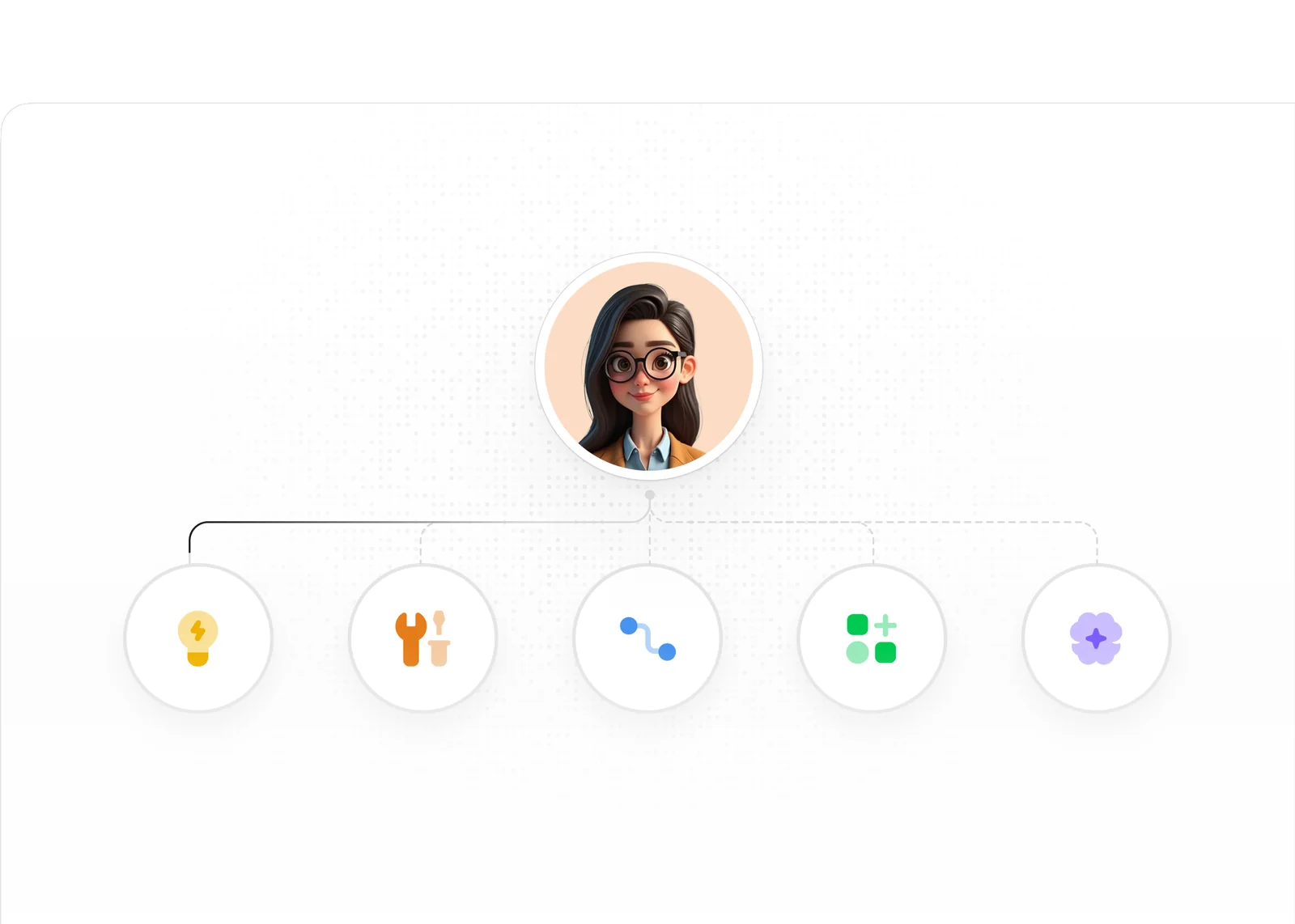
Each worker learns how your tools, systems, and processes fit together, then uses that context to handle work the way your team would.
Business-Specific Training
AI Employees learn your processes, brand, terminology, and ways of working so their output fits your business instead of a generic template.
Skill Growth Over Time
As your business changes, workers learn new tools, responsibilities, and ways of working, expanding what they can handle without starting from scratch.
Tool Fluency
The more your workers use your applications, the better they understand where information lives, which actions matter, and how your team expects work to be done.
Gets Smarter Over Time
Every interaction sharpens their context. Your workers remember preferences, feedback, and client details so the work gets more personalised over time.
Team Memory
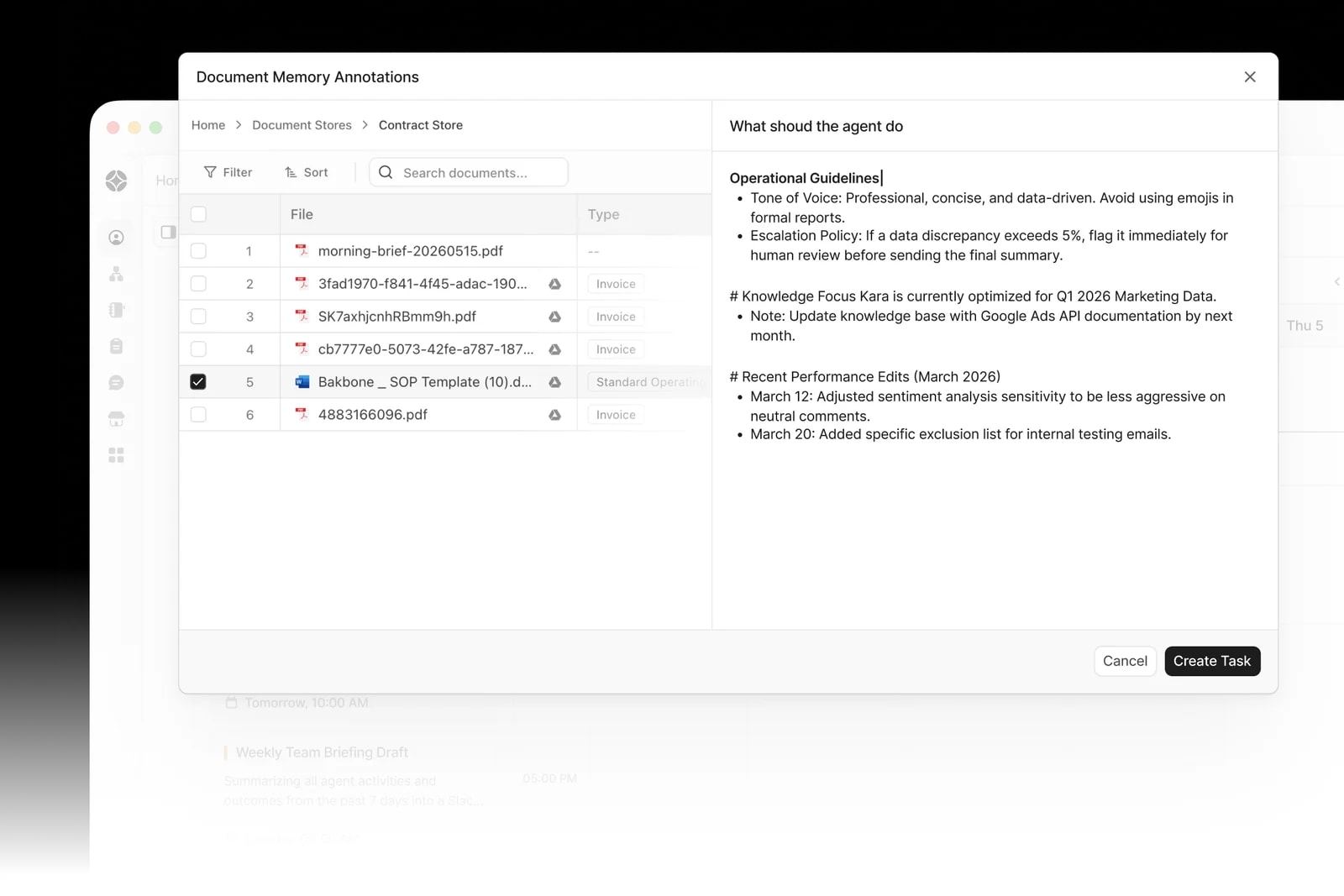
AI Employees remember past decisions, preferences, and feedback so they never repeat the same mistakes and constantly refine their output.
Client Context Retention
Every client interaction is remembered. Workers build a richer understanding of each client over time, no context lost between sessions.
Continuous Improvement
The more your workers work, the better they get. Performance compounds, and your AI workforce improves automatically, every single day.
Real work across your tools and your schedule.
Keeps Work Moving Around Your Schedule
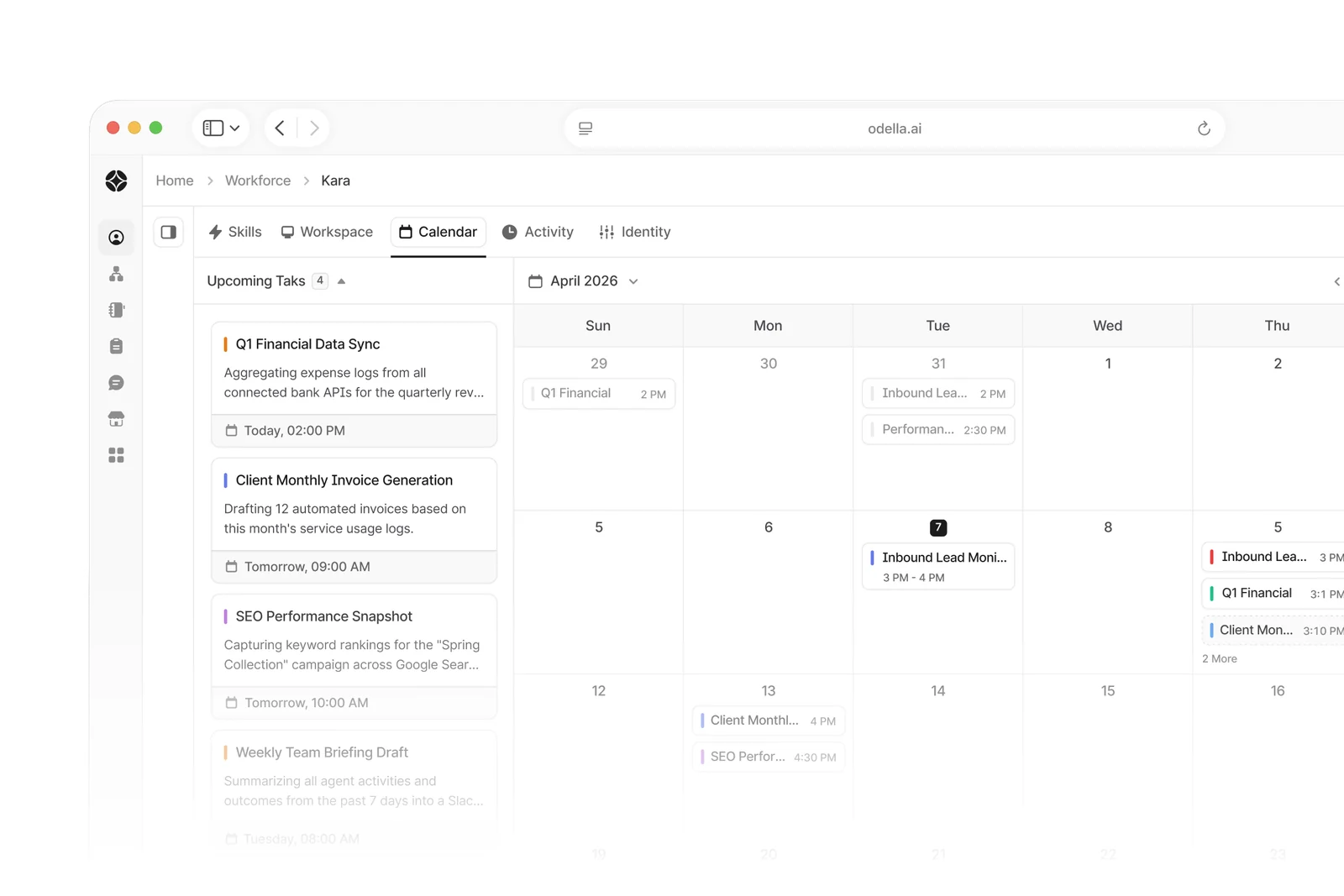
Set working hours, priorities, and rules. Your AI workforce responds to key events and completes work in the background while your team stays focused.
Event-Driven Triggers
Workers can start work the moment something happens, like a new email, deal, invoice, file, or form submission, without waiting for a manual handoff.
Working-Hours Scheduling
Plan each worker's week around your team's availability, priorities, and calendar so tasks happen at the right time without manual coordination.
Background Task Processing
Long-running tasks run quietly in the background. Reports, reconciliations, and data syncs complete without interrupting your team's day.
Works Across Your Business Tools
Connect workers to your CRM, email, Slack, spreadsheets, project tools, finance systems, and more, so they can find context and manage your operations.
Browse all integrations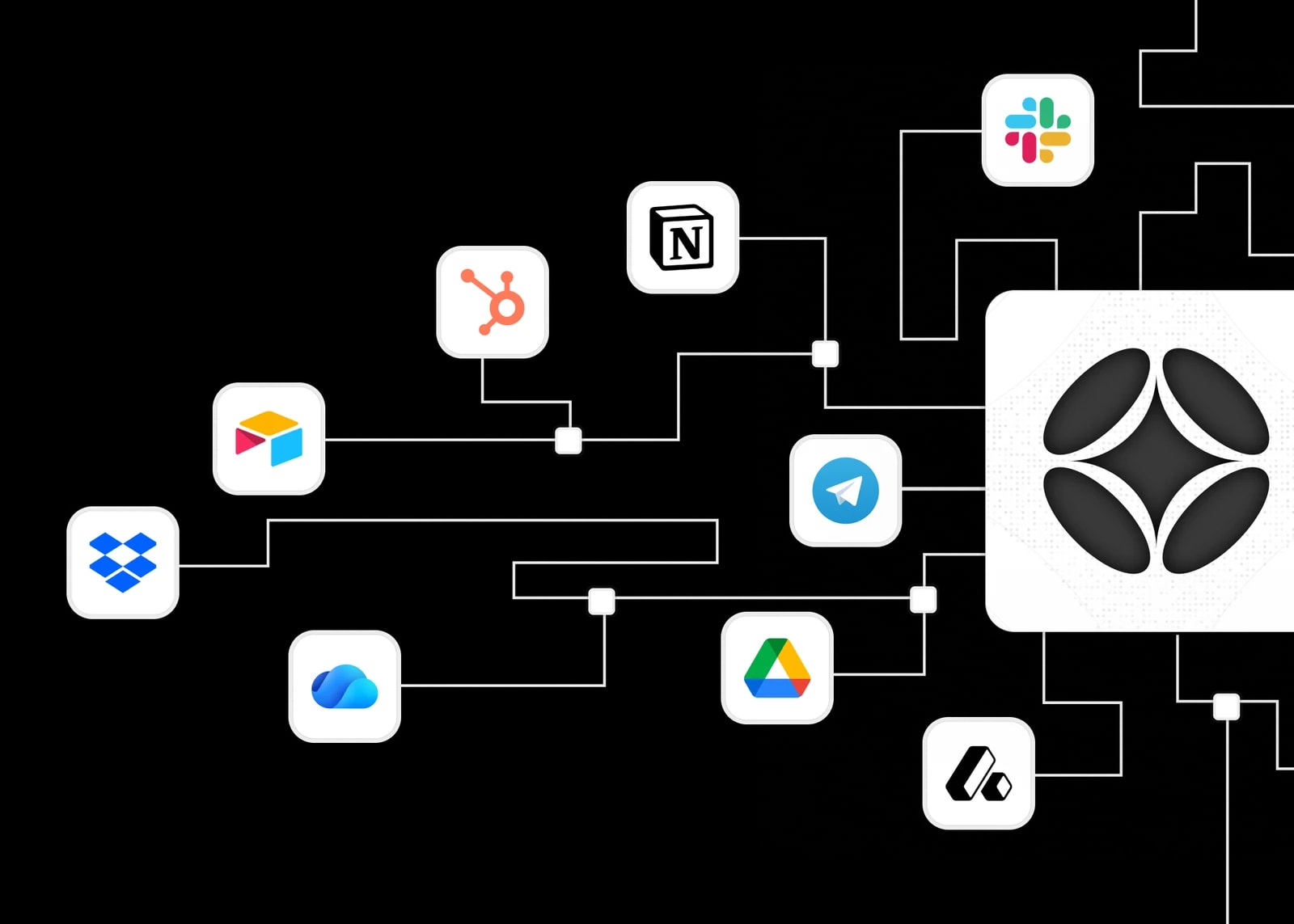
Managed App Connections
Connect workers to 100+ tools your team depends on, including CRMs, project management apps, finance systems, and custom software.
Everyday Communication Channels
Reach your AI workforce from Slack, MS Teams, email, WhatsApp, Telegram, and the channels your team already checks every day.
Voice & Telephony Networks
Buy a dedicated phone number for an AI Employee to answer and make calls, with no separate telephony vendor required, so workers can support the conversations that keep your business moving.
You stay in charge of the work and the data.
Every Step, Fully Visible
Run transparent, repetitive processes with full confidence. Every action your AI Employee takes is logged, reviewable, and auditable so you always know exactly what happened and why.
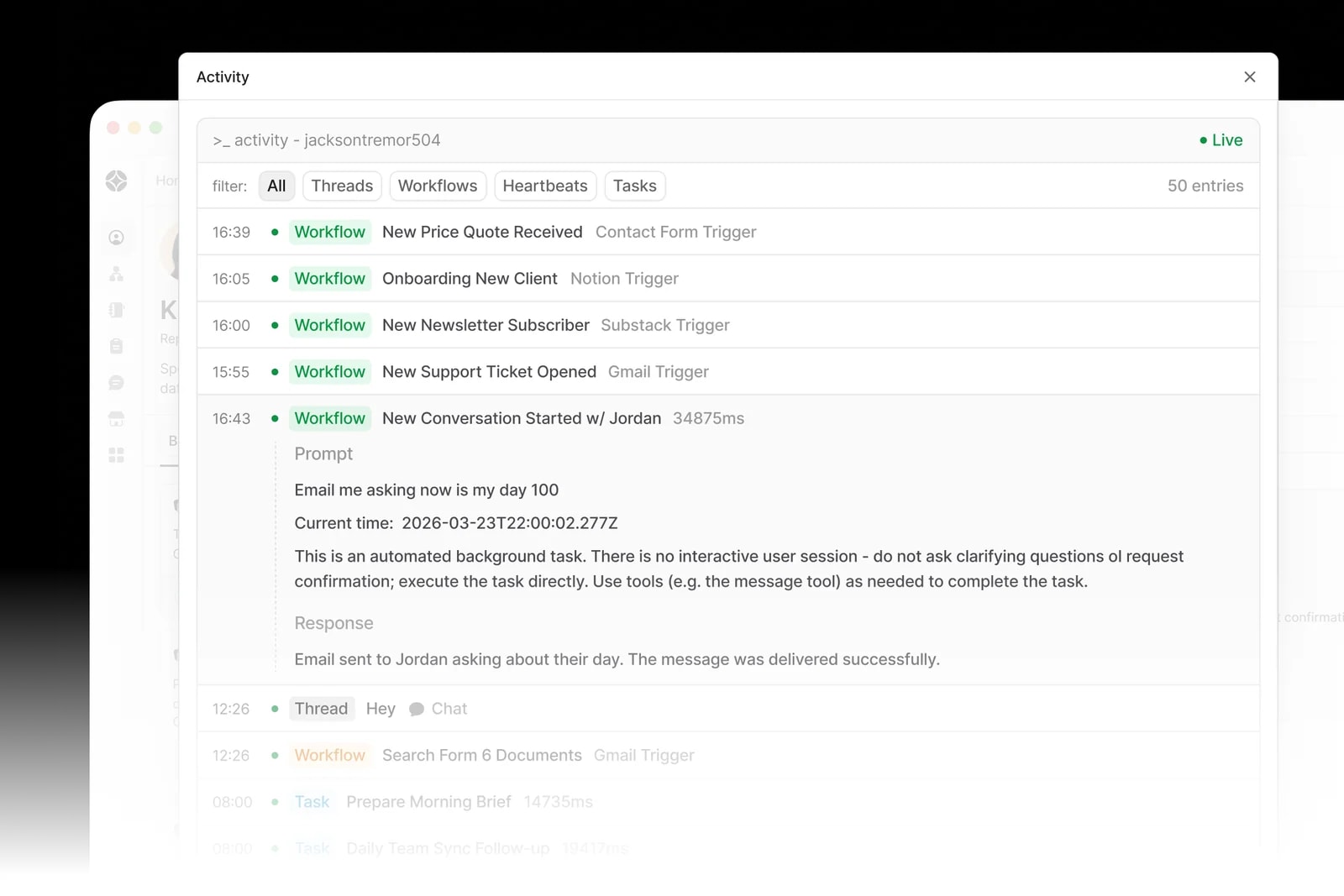
Workflow Visibility
See the full workflow your worker followed step by step. No black boxes, no guesswork. Understand exactly how every result was produced.
Activity Audit Logs
Every AI Employee action is recorded in a detailed log. Review, replay, or export at any time for compliance, quality control, or team oversight.
Human-in-the-Loop Controls
Set checkpoints where workers pause for human review before proceeding. Keep automation fast while ensuring critical decisions get a human eye.
Enterprise Security, Built In
Your data stays yours. SOC 2-grade practices, SAML SSO, PII removal, regional data sovereignty, and admin controls keep your AI workforce secure.
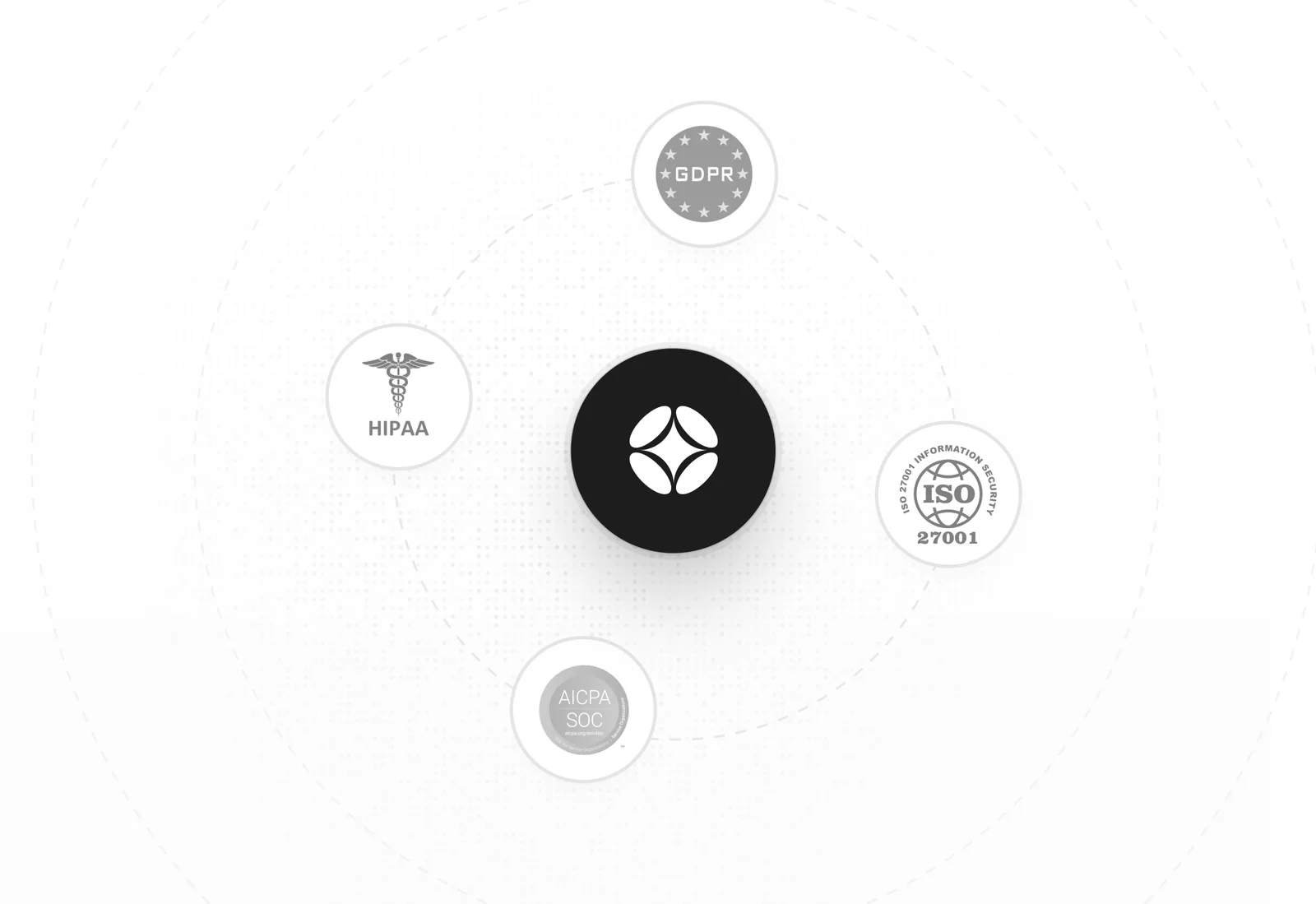
Data Privacy & PII Removal
Sensitive information is automatically detected and removed. Your clients' data stays encrypted, handled regionally and protected at every step.
Admin Roles & Access Control
Define exactly who can access, modify, or manage AI Employees. Fine-grained admin controls keep your workforce secure across every team.
SOC 2 & SAML SSO
Enterprise-ready compliance built in. SOC 2-grade practices, SAML SSO, and single sign-on help your team meet your security demands.
Reach Your Workforce
Wherever You Work
No new dashboard to live in. Message an AI Employee in the apps your team already has open, or pick up the phone and call one.

Brief a worker in a channel or a DM, and get the finished work back in the same thread.

The same workers with the same context, inside the workspace your company runs on.
Send a voice note or a photo from the field and get an answer while you are still on site.

Lightweight access for the contractors, suppliers, and teams who live in Telegram.

Forward an invoice, a brief, or a request and it gets picked up and handled.
Give a worker its own number, then call or text it like you would any other colleague.
Transparent
hourly pricing.
No surprises.
Every AI employee has a live cost meter. You always know exactly what you're spending and why.
Starting from
$0.30
worker / hour
Only billed during contracted working hours. Pause your AI employee anytime to stop charges instantly.
- No seat fees or subscriptions
- Bill only during working hours
- Monthly billing with full breakdown
- Pause workers anytime to stop charges
Documents that arrive
ready to send
Build the template once. Your AI Employees fill it in with real data from your tools, so what lands back with you is finished work rather than another draft to tidy up.
Nothing left to reformat
Work comes back in your layout and your wording, so it goes straight to the client instead of back to your desk.
The same standard every time
Whoever asks and whenever they ask, the document follows the structure your team already approved.
Start from a proven library
Pick a ready-made template from the marketplace, or upload the one your business already runs on.
{{client_name}}{{invoice_date}}{{amount_due}}What Odella can do, answered
The questions teams ask when they're working out whether Odella fits their workflows.
AI Employees connect to 100+ apps: CRMs, email, Slack, Microsoft Teams, spreadsheets, project tools, finance systems, and custom software, plus communication channels like WhatsApp and Telegram, and telephony networks.
Yes. Set human-in-the-loop checkpoints where a worker pauses for review before proceeding, see the full step-by-step workflow it followed, and review a detailed activity log of every action.
Yes. Set working hours, priorities, and rules. Workers start on events like a new email, deal, invoice, or form, and run long tasks quietly in the background.
Odella uses SOC 2-grade practices, SAML SSO, automatic PII removal, regional data residency, and fine-grained admin roles and access controls. Each worker only gets the access you grant it.
Each AI Employee runs inside its own secure computer / sandbox, with its own browser and business software, so workflows execute with scoped tool access, clearer boundaries, and human approval gates when sensitive actions need review.
Yes. They remember past decisions, preferences, and feedback, retain context on each client between sessions, and improve automatically the more they work.
Yes. Workers are trained on your processes, brand, terminology, and ways of working, so their output fits your business instead of a generic template.