AI for Operations Teams: The Complete 2026 Guide
Operations teams run on repetition: status updates, vendor follow-ups, reconciliations, reporting rollups, and a hundred small hand-offs that keep everything else on schedule. That's exactly the kind of work AI for operations teams is built to absorb — not by replacing judgment calls, but by taking the recurring, process-shaped work off a person's plate so they can spend their time on the exceptions that actually need a human.
This guide covers what "AI for operations teams" actually means in practice, the specific ops workflows it handles well (and the ones it doesn't), how to evaluate a platform for your ops function, and a practical rollout plan.
What does "AI for operations teams" mean?
Ops-focused AI splits into two very different tools that get marketed under the same label:
- Point automations — a script or workflow tool that handles one narrow, well-defined task (auto-tag a ticket, move a row between systems, send a scheduled report). Reliable for tasks that never change shape.
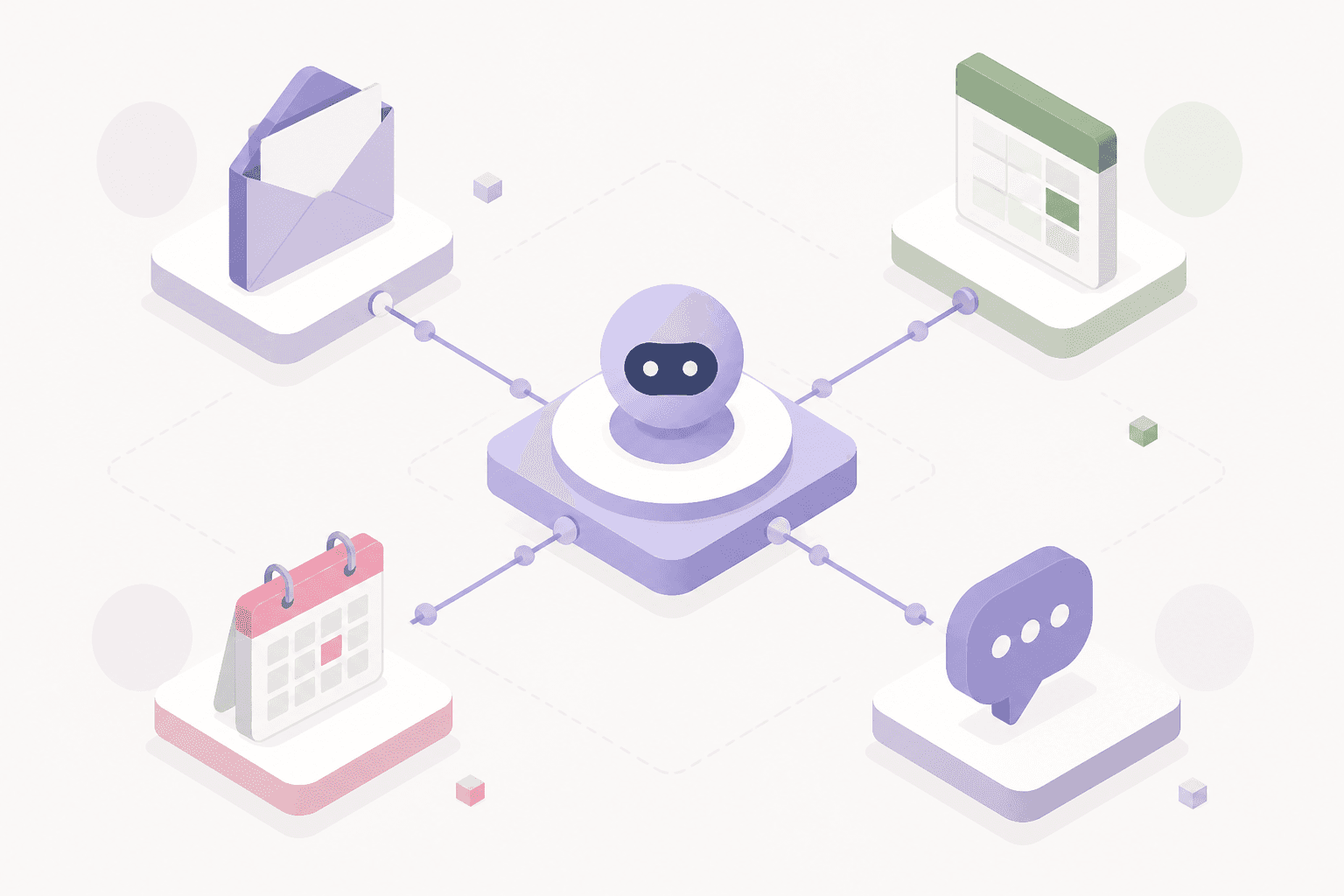
- AI employees for operations — an AI agent given a role (ops coordinator, vendor manager, reporting analyst), access to your actual tools (email, spreadsheets, CRM, project tracker, finance systems), and a standing set of responsibilities it runs on a schedule or in response to events — reconciling numbers that never arrive in the same format twice, chasing down a vendor who hasn't replied, compiling a weekly rollup from four different sources.
Ops work is disproportionately the second kind: judgment-heavy, cross-system, and full of small exceptions a rigid script can't anticipate. That's why "AI for operations teams" increasingly means AI employees, not just more automation scripts.
Where AI actually helps operations teams
- Status rollups and reporting. Pulling numbers from five tools into one weekly or daily summary, formatted the way your team actually reads it — not a generic dashboard export.
- Vendor and stakeholder follow-ups. Tracking who owes you a reply, drafting the follow-up, escalating politely on a schedule, and logging what happened — the unglamorous work that quietly falls off busy people's plates.
- Reconciliation and data cleanup. Comparing invoices, purchase orders, or spreadsheets that never arrive in identical formats, flagging mismatches instead of choking on them the way a rules-based script would.
- Meeting and process documentation. Turning a call transcript or a Slack thread into a structured action log, then following up on the open items until they close.
- Recurring scheduling and coordination. Handling the back-and-forth of booking, rescheduling, and confirming — freeing an ops person from being the human calendar-router.
- Onboarding and offboarding checklists. Running a multi-system checklist (accounts, access, equipment, documentation) reliably every time, without a person tracking it in a spreadsheet.
Where AI for operations teams isn't the right tool
Be honest about the limits, because overselling AI here is how ops teams end up disappointed:
- One-time or rarely-repeated tasks. If something happens once, the setup cost of automating it isn't worth it.
- High-stakes decisions with no room for error. Anything with real financial, legal, or safety consequences should keep a human approval step in the loop, even when an AI employee drafts the work.
- Processes that aren't defined yet. AI needs some structure to operate against — a role, a goal, access to the right systems. If your process is genuinely undocumented tribal knowledge, define it first, then delegate it.
How to evaluate an AI platform for your operations team
- Tool connectivity. Can it actually plug into the systems your ops workflows already run on — email, CRM, spreadsheets, your project tracker, finance tools — without months of custom integration?
- Memory across tasks. Does it remember last week's reconciliation, last month's vendor issue, and your team's specific formatting preferences — or does every task start from a blank slate?
- Scheduling and event triggers. Ops work is half calendar-driven (weekly reports, monthly close) and half event-driven (a new invoice lands, a ticket escalates). The platform needs to handle both, not just one.
- Transparency and audit trail. You need to see exactly what it did, when, and why — especially for anything touching finance, vendor communication, or compliance-adjacent data.
- Human approval on consequential actions. Look for a platform that lets you require sign-off before anything customer-facing, financially binding, or otherwise high-stakes goes out — not just "trust the AI."
- Role scope. Some tools are single-task assistants; others, like AI employees, can own an entire ops function end-to-end. Match the scope to the size of the job, not the marketing pitch.
A practical rollout plan
- Pick one recurring, well-understood workflow first — a weekly status rollup or a vendor follow-up sequence is a good starting point precisely because it's low-stakes and easy to check.
- Run it with a human checkpoint for the first few cycles. Review the output before it goes out, and treat mistakes as information about where to add guardrails, not a reason to abandon the pilot.
- Remove the checkpoint only once error rates are near zero on that specific workflow — then expand to the next one.
- Track what actually got freed up. The real measure of AI for operations teams isn't "hours of AI activity" — it's what your ops people did with the time back. If reconciliation used to eat a day a week and now takes an hour of review, that's the number that matters.
We covered the underlying category question — rule-based automation vs. AI agent platforms — in more depth in our AI automation platform buyer's guide, and the step-by-step process for auditing your own workflows lives in how to automate business workflows with AI. If you're specifically comparing agent platforms for an ops use case, see our breakdown of AI agent platforms for business.
The bottom line
AI for operations teams works best when it's scoped like a role, not a script: a defined set of responsibilities, real access to the tools ops already uses, a schedule or trigger to run on, and a visible record of what it did. Start with one recurring workflow, keep a human checkpoint until it earns your trust, and measure success by what your team stopped having to do manually — not by how much "AI" is running in the background.