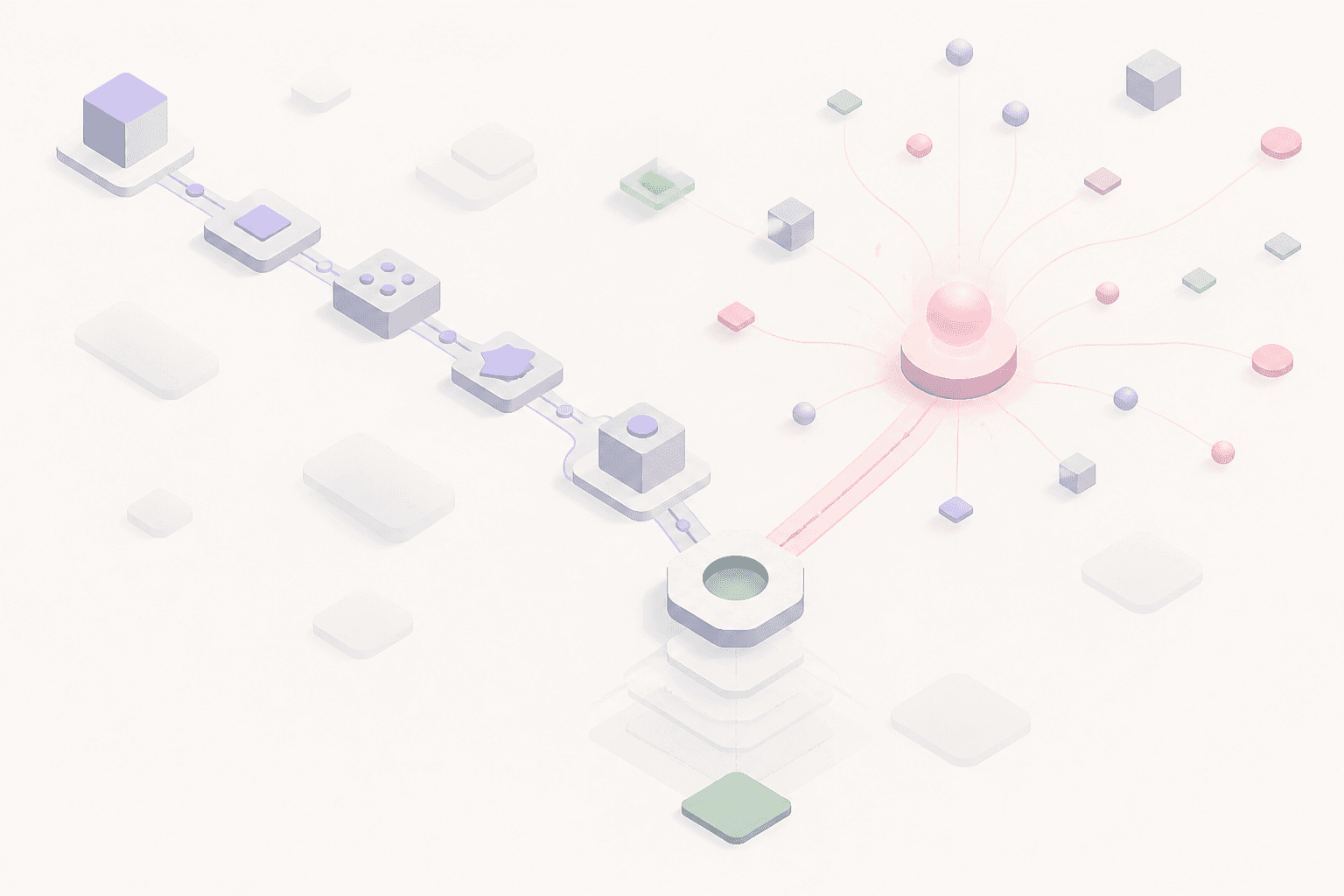
"AI automation platform" gets used for two very different categories of software, and picking the wrong one is the most common (and most expensive) automation mistake businesses make. This guide breaks down what an AI automation platform actually is, the two categories hiding under that single label, and how to choose between them — with a practical decision framework and a category-by-category comparison.
What is an AI automation platform?
An AI automation platform is software that automates business tasks and workflows using artificial intelligence — as opposed to purely manual work or simple if-this-then-that scripting. In practice, "AI automation platform" covers two meaningfully different things:
- Rule-based automation platforms with AI features bolted on — tools like Zapier, Make, and n8n that connect apps together via triggers and actions, increasingly with an AI step (summarize, classify, generate text) added into an otherwise deterministic chain.
- AI agent / AI employee platforms — tools like Odella, Lindy, CrewAI, Microsoft Copilot Studio, and Salesforce Agentforce, where an AI agent reasons about unstructured input, makes judgment calls, and completes multi-step work with minimal per-step configuration.
Most vendors market themselves under the same "AI automation platform" banner regardless of which category they're actually in, which is exactly why buyers get confused and end up with the wrong tool for the job.
The two categories, compared
| Rule-based (+AI steps) | AI agent / AI employee platform | |
|---|---|---|
| Examples | Zapier, Make, n8n | Odella, Lindy, CrewAI, Copilot Studio, Salesforce Agentforce |
| How it works | You wire together triggers → actions; AI is one step in a fixed chain | You delegate an outcome; the AI agent decides the steps |
| Handles exceptions | No — the workflow breaks or silently fails when the input doesn't match what you configured | Yes — reasons through unexpected input the way a person would |
| Best for | Narrow, well-defined, high-volume connections between two systems (new form row → Slack message) | Judgment-heavy, cross-system work spanning email, documents, CRM, and chat |
| Setup model | Build the exact steps yourself | Define the role and desired outcome; the agent works out how |
| Maintenance burden | Breaks when a connected app changes its API or your process changes | Adapts to context changes without a manual rebuild |
| Pricing shape | Per-task or per-"zap" tiers, cheap at low volume | Per-seat or per-agent, priced like a hire, not a subscription add-on |
Why "AI automation platform" alone is the wrong search — the real question is what kind of work you're automating
If you're automating something deterministic — a webhook that always looks the same, a spreadsheet row that always triggers the same three actions — a rule-based platform with an AI step for the occasional text-generation task is cheaper and faster to set up. This is genuinely the right tool for a large share of automation needs, and buying an AI agent platform for this kind of work is over-engineering.
If you're automating something that requires reading unstructured input and making a judgment call — triaging a support inbox, reconciling vendor invoices that never arrive in the same format twice, drafting a client update that references three different systems — a rule-based platform will break constantly, because you can't write an "if this then that" rule for every possible exception a human would normally just handle. That's the job an AI agent (or AI employee) platform is built for — and it's exactly the kind of work we cover in our guide to AI for operations teams.
We covered the rule-based side of this decision in detail in our comparisons of Zapier alternatives and n8n alternatives, and the full decision framework — including a step-by-step process for auditing your own workflows — lives in our guide on how to automate business workflows with AI. This post focuses specifically on the category question: which type of AI automation platform do you actually need.
How to evaluate AI agent platforms specifically
If you've determined your automation need is judgment-heavy (the second category above), here's what actually differentiates AI agent / AI employee platforms from each other — and if you're ready to shortlist specific vendors, see our full AI agent platform comparison for a side-by-side of Odella, CrewAI, Copilot Studio, Agentforce, Lindy, and more:
- Memory. Does the agent remember context across sessions and tasks, or does every interaction start from zero? An AI employee handling ongoing client relationships or recurring ops work needs persistent memory — that's the difference between a tool you re-explain everything to daily and one that gets smarter over time.
- Tool connectivity. How many existing systems (CRM, email, Slack/Teams, finance tools, document storage) can it plug into without custom integration work? Platforms that require you to rebuild your stack around them add months of implementation time before you see any value.
- Transparency. Can you see and audit what the agent did and why, or is it a black box? This matters more as you remove human checkpoints — you need to be able to answer "why did it do that" after the fact.
- Scope. Some platforms (chat-first assistants, comms-scoped agents) are built for a narrow slice of work — drafting replies, summarizing meetings. Others are built to own an entire role end-to-end, the way an AI employee does. Match the platform's scope to the size of the job you're delegating, not the other way around.
- Security and oversight. Look for granular permissions, audit logs, and the ability to require human approval on consequential actions (anything customer-facing or financially binding) — non-negotiable once an agent has real access to your systems.
Decision framework: which AI automation platform category do you need?
- List the workflow's inputs. Structured (form fields, fixed triggers) → lean rule-based. Unstructured (emails, documents, chat, "read this and figure out what to do") → lean AI agent.
- Count the exceptions. If a human doing this manually rarely improvises, rules will hold up. If they're constantly making judgment calls, rules will break constantly too.
- Check the blast radius. High-volume, low-stakes, narrow connections are cheap to get wrong with a rules engine and cheap to fix. Judgment-heavy work with real consequences (customer communication, financial reconciliation) benefits from an agent that can reason about context and flag genuine uncertainty rather than silently guessing.
- Pilot narrow, then expand. Whichever category you land on, start with one workflow, run it with a human checkpoint for a few cycles, and only remove the checkpoint once error rates are near zero.
Most businesses end up needing both categories eventually — rule-based automation for the deterministic connective tissue between systems, and an AI employee for the judgment-heavy roles that used to require a person. The mistake isn't choosing one category; it's picking based on marketing language ("AI automation platform") instead of the actual shape of the work.
The bottom line
"AI automation platform" isn't one product category — it's a label two very different kinds of tools both use. Rule-based platforms with AI features are the right call for deterministic, high-volume, narrow connections. AI agent and AI employee platforms are the right call for judgment-heavy work that spans systems and requires context. Diagnose which one you're actually automating before you evaluate vendors, and the category choice — and the platform inside it — gets a lot easier to make.