How to Automate Business Workflows with AI: A Practical Framework (2026)
Most guides to workflow automation start with tools. That's backwards. The businesses getting real value from AI automation in 2026 start with a decision framework — which processes to automate, in what order, and with what kind of automation — and only then pick software. Get the framework right and the tool choice becomes obvious.
This guide walks through that framework: how to identify which workflows to automate first, how to decide between rule-based automation and AI agents, and how to roll it out without breaking anything that currently works.
Step 1: Find workflows worth automating
Not every repetitive task is worth automating first. Look for processes that hit all three of these:
- High frequency. Something that happens daily or weekly, not once a quarter. The payoff compounds with volume.
- Clear inputs and outputs. You can describe what goes in and what should come out, even if the steps in between require judgment.
- Time drain on skilled people. The test isn't "is this boring" — it's "is a capable person spending hours on something that doesn't need their judgment." Client onboarding checklists, invoice reconciliation, meeting-note follow-ups, and inbox triage are common first candidates because they show up constantly and pull attention away from higher-value work.
A fast way to find candidates: ask your team what they do in the first and last 30 minutes of every day. Those routines — status updates, report compilation, calendar wrangling — are usually automatable.
Step 2: Decide — rules, or judgment?
This is the fork in the road that determines which tool category you need.
Use rule-based automation (Zapier, Make, n8n) when:
- The process follows the same steps every time, with no exceptions to reason about.
- Inputs are structured (a form field, a specific trigger event, a status change).
- You need something wired up fast and cheap for a narrow, well-defined connection between two systems.
Use an AI agent or AI employee when:
- The process involves reading unstructured input (emails, documents, chat messages) and deciding what to do with it.
- Exceptions are common and a human would normally use judgment to handle them.
- The job spans multiple systems and requires reasoning about context, not just moving data — for example, triaging a support inbox, reconciling messy vendor invoices, or drafting a client update that references three different sources.
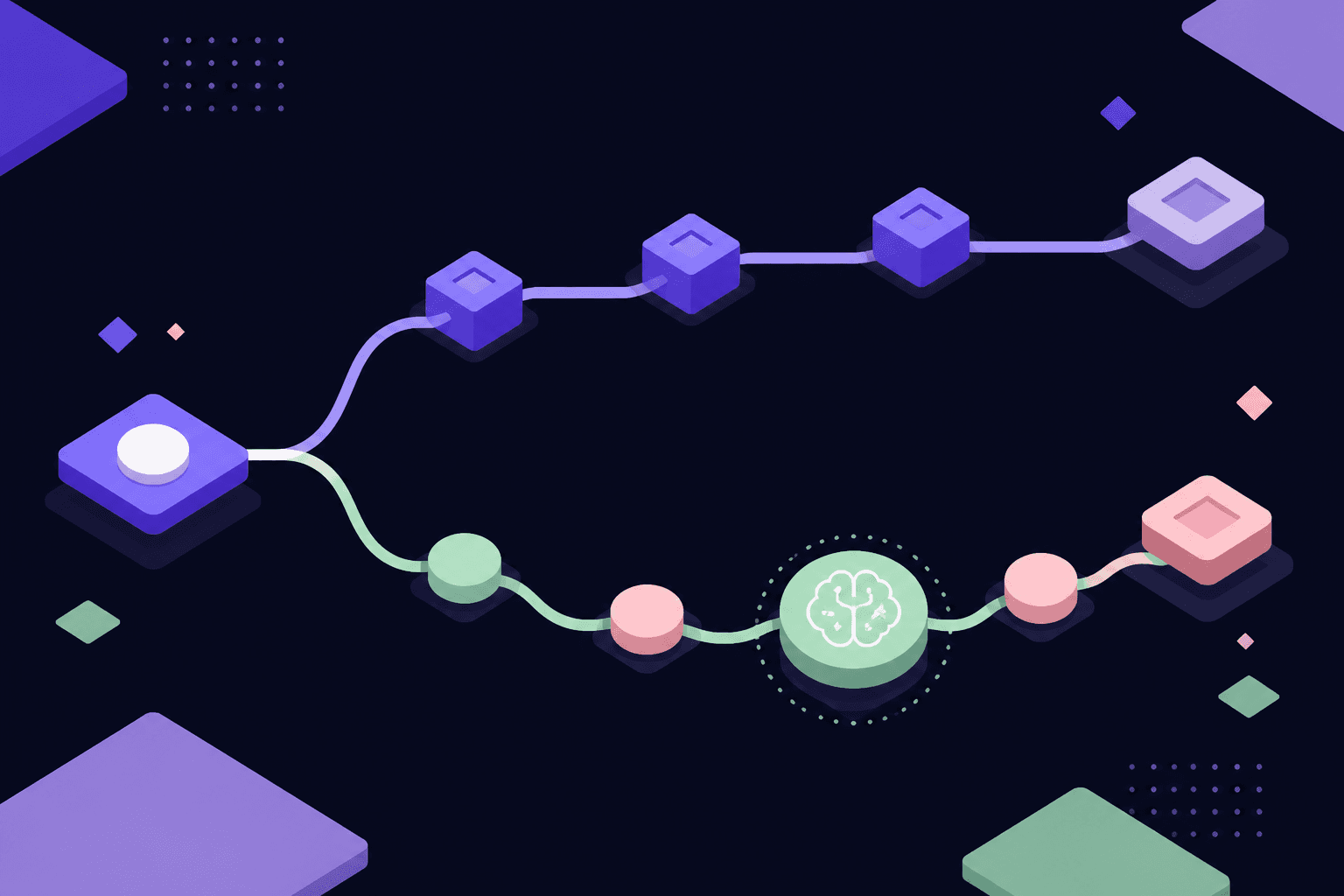
Most businesses need both. The mistake is trying to force judgment-heavy work into a rules engine (it breaks constantly) or wiring simple deterministic tasks through a heavyweight agent (it's slower and more expensive than it needs to be).
Step 3: Map the workflow before you automate it
Before touching any tool, write down the current process step by step: trigger → inputs → decisions made along the way → output → who checks it. This does two things. First, it surfaces steps nobody remembers exist (the extra approval, the manual double-check) that would otherwise break the automation on day one. Second, it tells you exactly where judgment is required — which determines whether you need Step 2's rules-engine or an AI agent for that specific step, or a combination of both in sequence.
Step 4: Start with one workflow, not ten
Pick the single highest-frequency, clearest-boundaries workflow from Step 1 and automate that one first. Resist the urge to automate an entire department at once — a narrow first win builds trust in the system (with your team and with you) and surfaces integration issues while the blast radius is small. Expand to adjacent workflows once the first one is running reliably for a few weeks.
Step 5: Connect to the tools you already use
Whatever you choose — rules engine or AI employee — it needs to plug into your existing stack (CRM, email, Slack or Teams, finance systems, document storage) without requiring your team to change how they work day to day. This is where AI employees have an edge over narrow point-automations: an AI employee can be delegated a role — "own inbox triage," "keep the CRM clean," "draft the weekly ops report" — the same way you'd delegate to a new hire, connecting to 1,000+ existing tools rather than requiring a rebuild of your systems around the automation.
Step 6: Build in human checkpoints, then remove them as trust builds
Every new automation — rules-based or AI-driven — should launch with a human reviewing output before it goes out the door: approve the drafted email, check the reconciled invoice, confirm the routed ticket. Once the automation has run cleanly for a set number of cycles (a week of daily runs, or a month of weekly ones), start removing checkpoints for the parts that have shown zero errors, while keeping a checkpoint on anything customer-facing or financially consequential indefinitely. This staged trust model is how you get the speed benefits of full automation without the risk of an unsupervised system making a costly mistake early on.
Step 7: Measure the right things
Track time saved (hours a person no longer spends on the task), error rate versus the manual process, and — for judgment-heavy automations — how often a human has to step in or override the output. If override rates stay high after a few weeks, that's a signal the workflow needs a rules-engine step added for the parts that are actually deterministic, or that the AI employee needs more context/training on your specific edge cases, not that automation was the wrong call.
Rule-based automation vs. AI employees: quick reference
| Rule-based automation | AI employee | |
|---|---|---|
| Best for | Fixed, deterministic steps | Judgment-heavy, cross-system work |
| Handles exceptions | No — breaks or skips | Yes — reasons through them |
| Setup | Build the exact steps | Define the role and outcome |
| Maintenance | Breaks when an app changes | Adapts as it learns context |
| Example | New form submission → Slack alert | Triage inbox, draft replies, flag exceptions |
If your business is choosing between the two categories of tools, our comparisons of Zapier alternatives and n8n alternatives cover the rule-based side in depth, and our AI automation platform buyer's guide breaks down the category question — rule-based vs. AI agent — in more detail. This guide is about the decision that comes before any tool selection — figuring out what to automate and how.
The bottom line
Automating business workflows with AI isn't about buying the flashiest tool — it's about correctly diagnosing which of your processes are deterministic (automate with rules) and which require judgment (automate with an AI agent or AI employee), then rolling out narrow, measured, human-checked automations that earn trust before you remove the safety net. Businesses that skip the diagnosis step end up with brittle rule-chains for judgment-heavy work, or an over-engineered AI agent watching over a task a $10/month Zapier rule could have handled.