Most automation waits to be told what to do. You open a tool, click "run," or wait for a schedule to fire at 9 a.m. That works until the real world stops being polite enough to happen on a schedule. A customer replies at 11:47 p.m. An invoice gets flagged mid-afternoon. A high-value lead fills out a form during a product demo. The moment that matters rarely lines up with your cron job.
Event-driven AI automation flips the model. Instead of asking your systems to check for work on a timer, work comes to them the instant something happens — and an AI employee decides what to do about it. This guide explains what event-driven AI automation is, why it beats polling and manual triggers, and how to put it to work without drowning in noise.
What is event-driven AI automation?
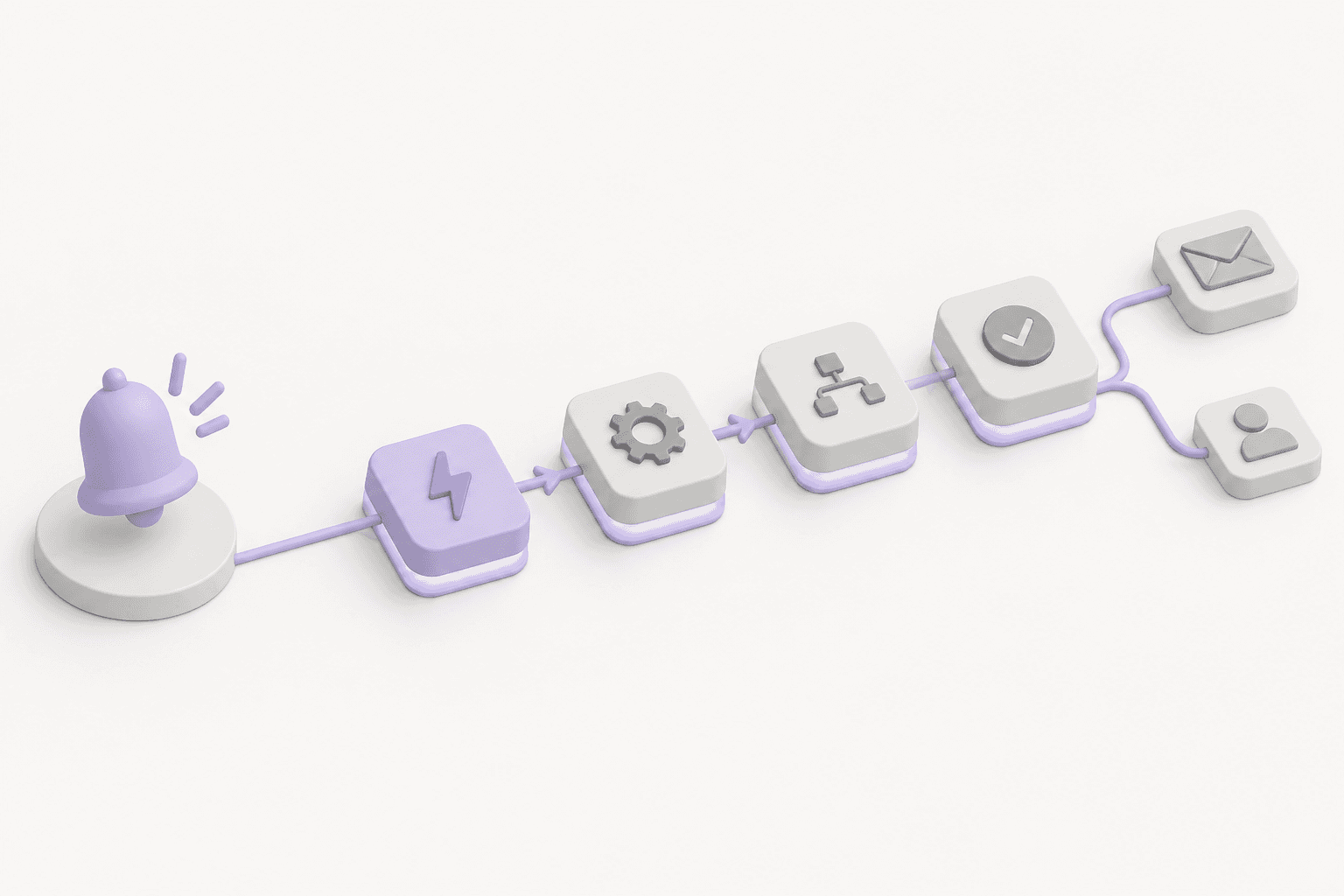
Event-driven AI automation is a pattern where an AI agent listens for a specific event — a new email, a finalized invoice, a form submission, a status change — and acts on it in real time, applying judgment rather than just running a fixed script.
There are three moving parts:
- The event — something happened. A message arrived, a record changed, a threshold was crossed.
- The filter — not every event deserves a response. A good system evaluates the event first and only wakes up the agent when it actually matches what you care about.
- The action — the AI reads the context, decides what to do, and executes: draft a reply, route the item, update a record, escalate to a human, or all of the above.
The difference from traditional automation is judgment. A classic "if this, then that" rule does exactly one thing every time. An AI employee handling the same event can read the nuance — is this refund request angry or routine? Is this lead actually qualified? — and respond accordingly. This is the same shift covered in our guide to AI employees for business: moving from scripts that do one thing to workers that own an outcome.
Polling vs. scheduled vs. event-driven
To see why this matters, compare the three ways automation typically gets triggered.
Polling means constantly asking "anything new yet?" every few minutes. It's wasteful — most checks find nothing — and it's slow, because your response time is capped by how often you poll. Check every 15 minutes and your "instant" reply is, on average, seven and a half minutes late.
Scheduled automation runs on a clock: the nightly report, the Monday digest, the hourly sync. It's predictable and fine for batch work, but it has no idea whether anything actually needs doing at that moment. It fires whether there's one item or a thousand — or none.
Event-driven automation does nothing until something happens, then responds immediately. No wasted cycles, no artificial delay. When the event arrives, the work begins. For anything time-sensitive — support, sales, finance exceptions, security alerts — this is the difference between "handled in seconds" and "handled whenever the timer next fires."
Scheduled automation still has its place. But for the moments that actually move the needle, waiting on a clock is a liability.
Why an AI employee changes the equation
Event triggers on their own aren't new — webhooks have existed for years. What changes the equation is putting an AI employee on the receiving end instead of a rigid rule.
A traditional webhook rule can only do what you explicitly programmed. Every edge case needs a new branch. Every exception needs a new rule. Over time you end up with a brittle thicket of conditions that nobody wants to touch — the opposite of how well-structured autonomous systems should scale.
An AI employee handles the same stream of events with context instead of branches:
- It reads the whole picture. Not just the event payload, but the customer's history, the account tier, prior conversations, related records.
- It applies your standards. Given your brand voice, your policies, and your escalation rules, it decides the right response — and knows when to hand off to a person.
- It learns the boundaries. The reliable pattern isn't "let the AI do everything." It's "let the AI handle the routine, flag the ambiguous, and escalate the risky." A well-designed AI employee knows which bucket each event falls into.
That combination — real-time triggering plus contextual judgment — is what makes event-driven AI genuinely useful rather than just fast.
What it looks like in practice
Here's how event-driven AI automation shows up across common business functions.
Customer support
A new support email lands. The system filters for messages that aren't auto-replies or newsletters, then wakes an AI employee. It reads the ticket, checks the customer's plan and history, drafts a response in your voice, and either sends it (for routine questions) or routes it to a human with a suggested reply (for anything sensitive). Response time drops from hours to seconds without sacrificing the human touch where it counts.
Finance and operations
An invoice gets finalized or flagged. Instead of waiting for someone to notice, an AI employee reacts the moment the event fires: it validates the amount against the purchase order, checks for duplicates, categorizes the expense, and only pulls in a human when something doesn't reconcile. The exceptions get attention; the routine flows through.
Sales
A high-intent form submission arrives during business hours — or at midnight. The AI enriches the lead, checks it against your qualification criteria, and if it's a fit, drafts a tailored follow-up and alerts the right rep immediately. Speed-to-lead is one of the most reliable predictors of conversion, and event-driven response is how you win it.
Internal alerts
A key metric crosses a threshold, a deployment fails, a contract nears renewal. The event fires, the AI assesses severity against context, and it notifies the right person with a summary — not a raw alert they have to decode at 2 a.m.
The filter is the hard part (and the important part)
The failure mode of event-driven systems isn't missing events — it's reacting to too many. If every single email, every minor record change, and every routine ping wakes up an agent, you've built an expensive, noisy machine that cries wolf.
The discipline is in the filter. A well-built event-driven system evaluates each event before committing real work to it:
- Is this from a real person or an automated sender?
- Does it match the criteria I actually care about — the right amount, the right status, the right keyword?
- Has this already been handled?
Only events that pass the filter should trigger the agent. This is what keeps the system fast, affordable, and trustworthy. Get the filter right and event-driven automation feels like magic. Get it wrong and it feels like spam. The goal isn't to react to everything — it's to react to the right things, immediately.
How to get started
You don't need to rewire your whole stack to benefit from event-driven AI. Start narrow and expand:
- Pick one high-value, time-sensitive event. New support tickets and inbound leads are the classic starting points because speed directly affects the outcome.
- Write the filter first. Decide precisely which events deserve a response before you decide what the response is. This keeps noise out from day one.
- Define the escalation line. Be explicit about what the AI handles on its own versus what it flags for a human. Start conservative; widen the autonomy as you build trust.
- Measure response time and accuracy. The whole point is faster, better handling. Track both, and let the data tell you where to expand next.
From there, each new event type is an incremental add — another trigger, another filter, another set of instructions — not a rebuild.
The takeaway
Scheduled and manual automation ask your business to wait. Event-driven AI automation lets it respond the moment something happens, with the judgment to know what "responding" should mean. The event triggers it, the filter keeps it focused, and the AI employee supplies the context that turns a raw signal into the right action.
The organizations that win the next few years won't be the ones with the most automations. They'll be the ones whose systems react — intelligently — the instant it matters.
If you want to see what an AI employee that listens for the moments that matter looks like in your workflows, explore how Odella works and put your first event-driven agent to work.